November 5, 2026
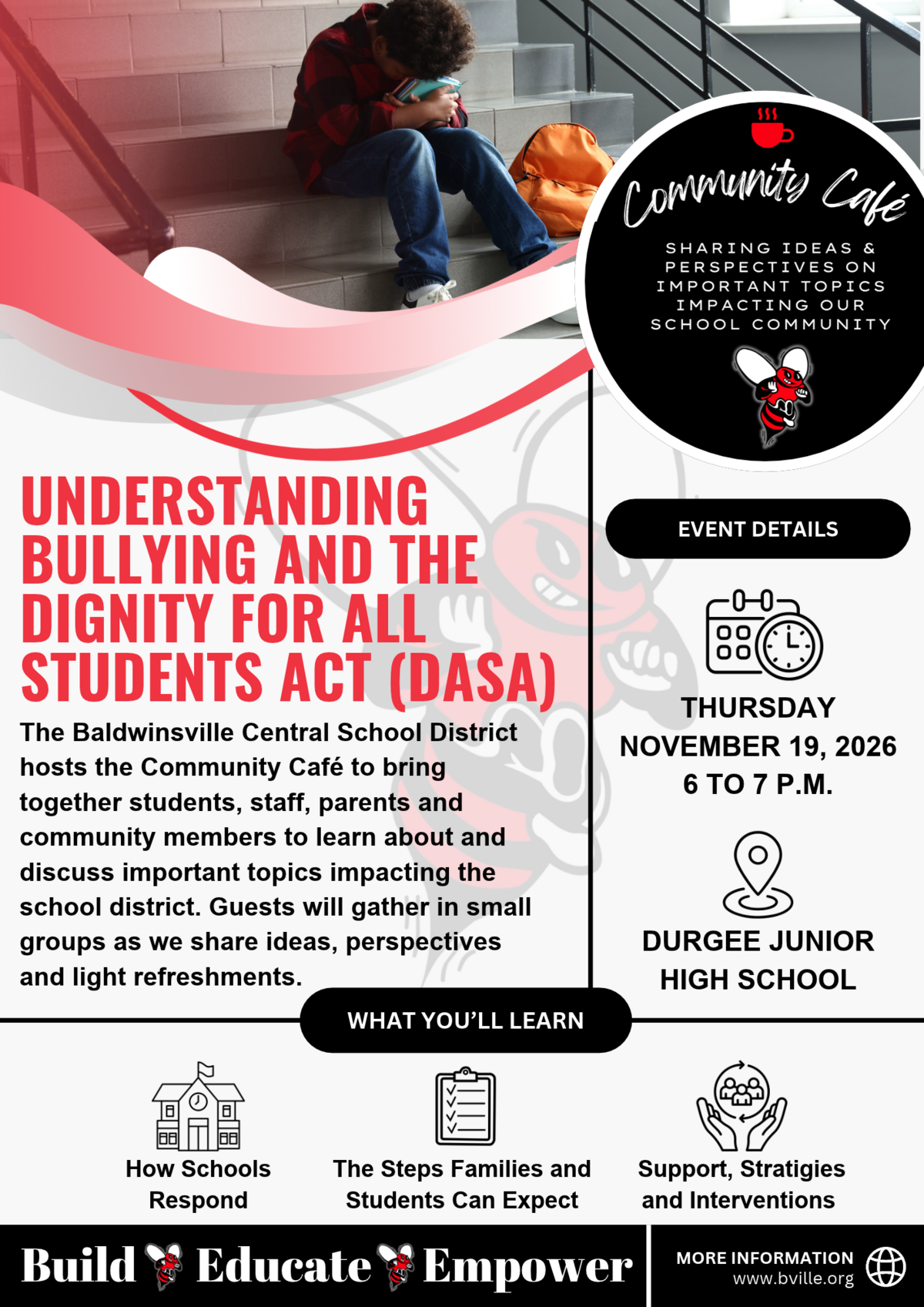
The Baldwinsville Central School District invites students, staff, parents and community members to join us for our next Community Café of the 2026-2027 school year.Community Café brings people tog...
October 23, 2026
Dear Parents, Guardians, and Staff,This week, our district proudly recognized Unity Day by wearing orange to show our commitment to kindness, acceptance and inclusion. While Unity Day is an importa...
October 22, 2026
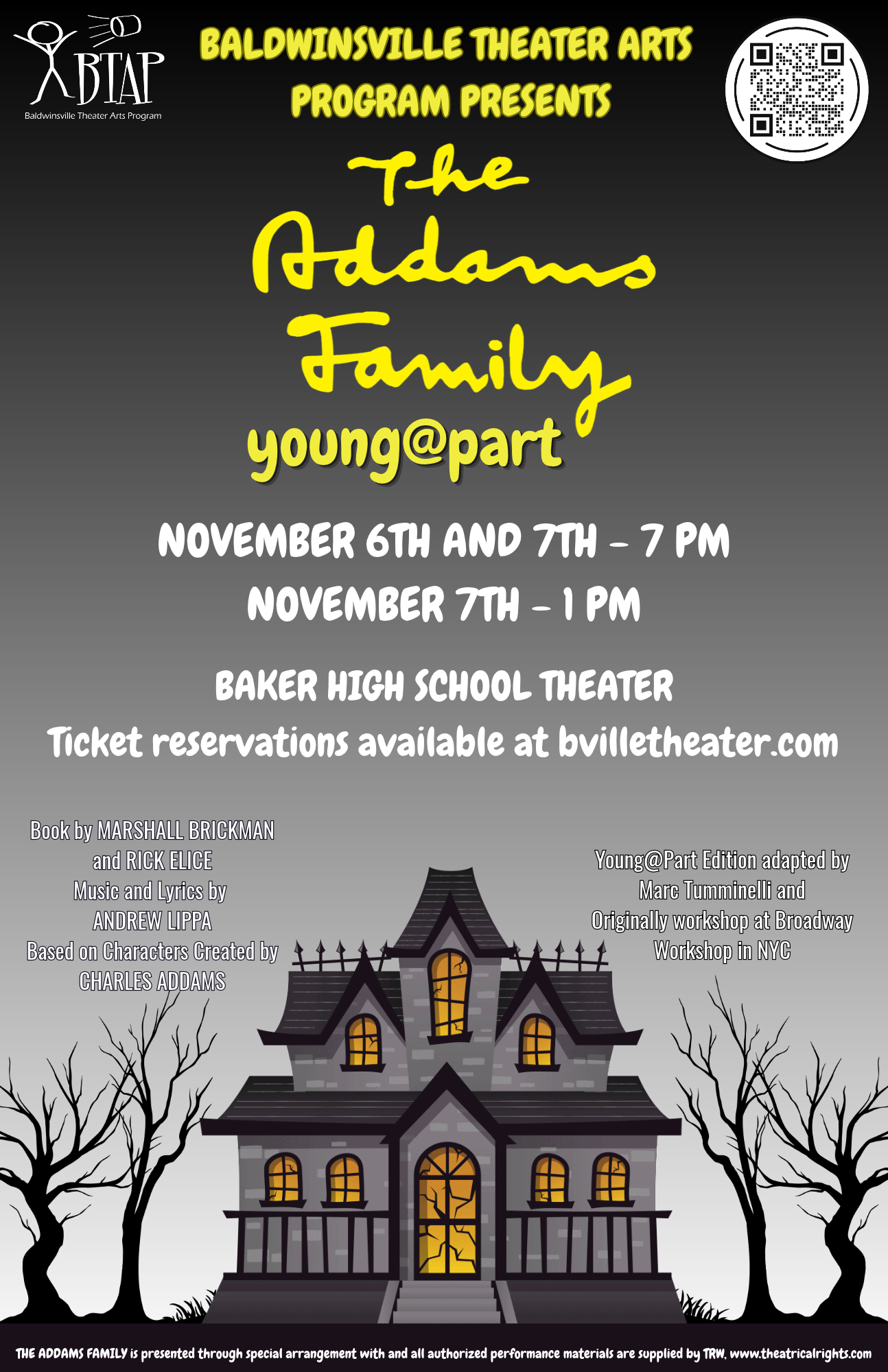
Tickets are now available for the Baldwinsville Theater Arts Program’s production of The Addams Family Young@Part, with performances at 7 p.m. on Friday, November 6, and 1 p.m. and 7 p.m. on Saturd...
October 19, 2026
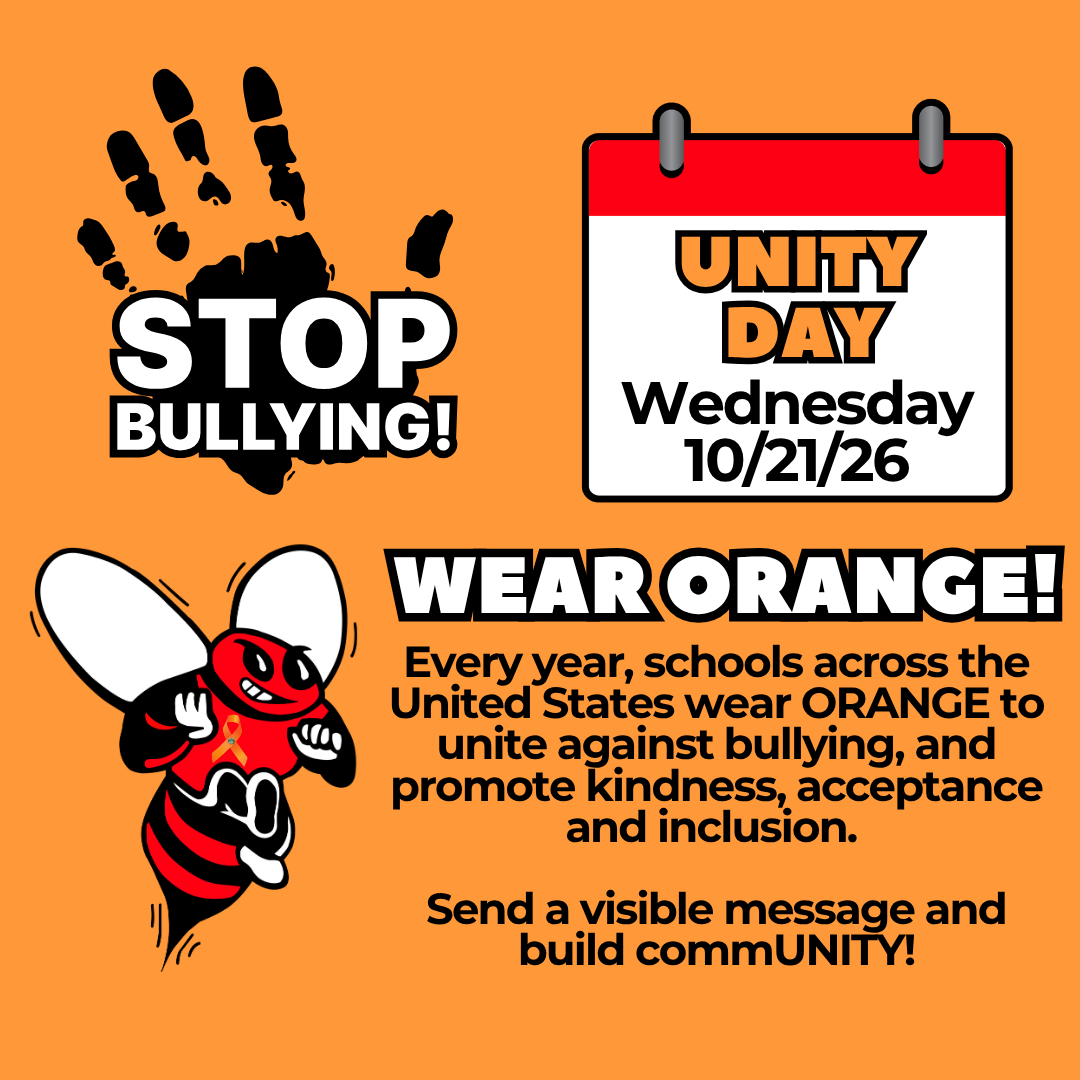
October is National Bullying Prevention Month, and Wednesday, October 21st is Unity Day!Unity Day is an opportunity to come together and promote kindness, acceptance and inclusion. Everyone deserve...
October 15, 2026
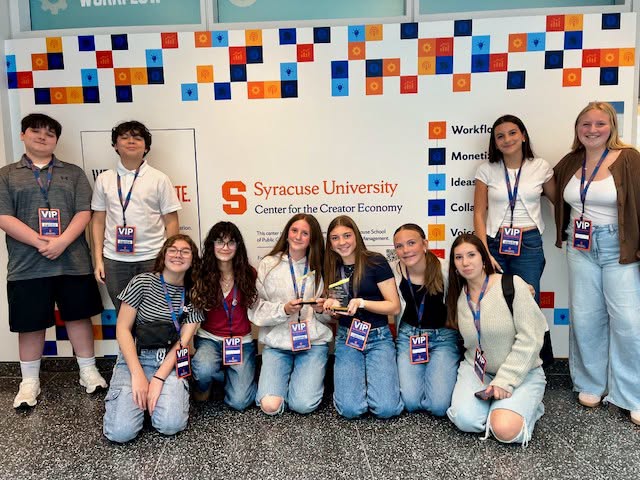
Student journalists from C.W. Baker High School, Durgee Junior High School and Ray Middle School earned top honors at the 2026 Empire State School Press Association (ESSPA) Conference held Tuesday ...
October 8, 2026
Five Durgee Junior High School students have been selected to participate in the 2026 Junior High Area All-State Music Festival, which will be held November 6 and 7 in Homer.These talented student ...
October 6, 2026
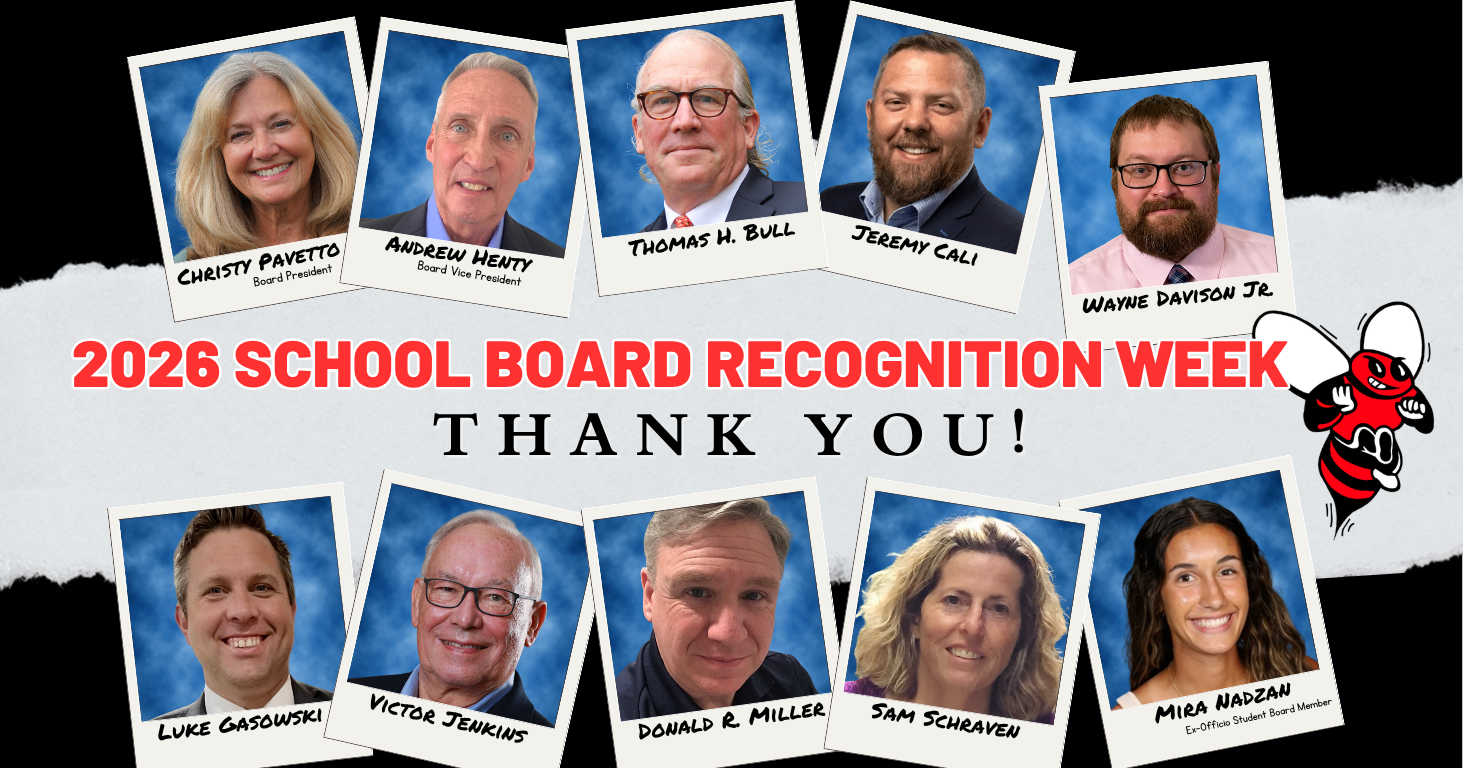
School Board Recognition Week in New York State will be celebrated October 12–16, 2026. Each year, this week provides an opportunity to recognize the important role school board members play in sup...
October 2, 2026
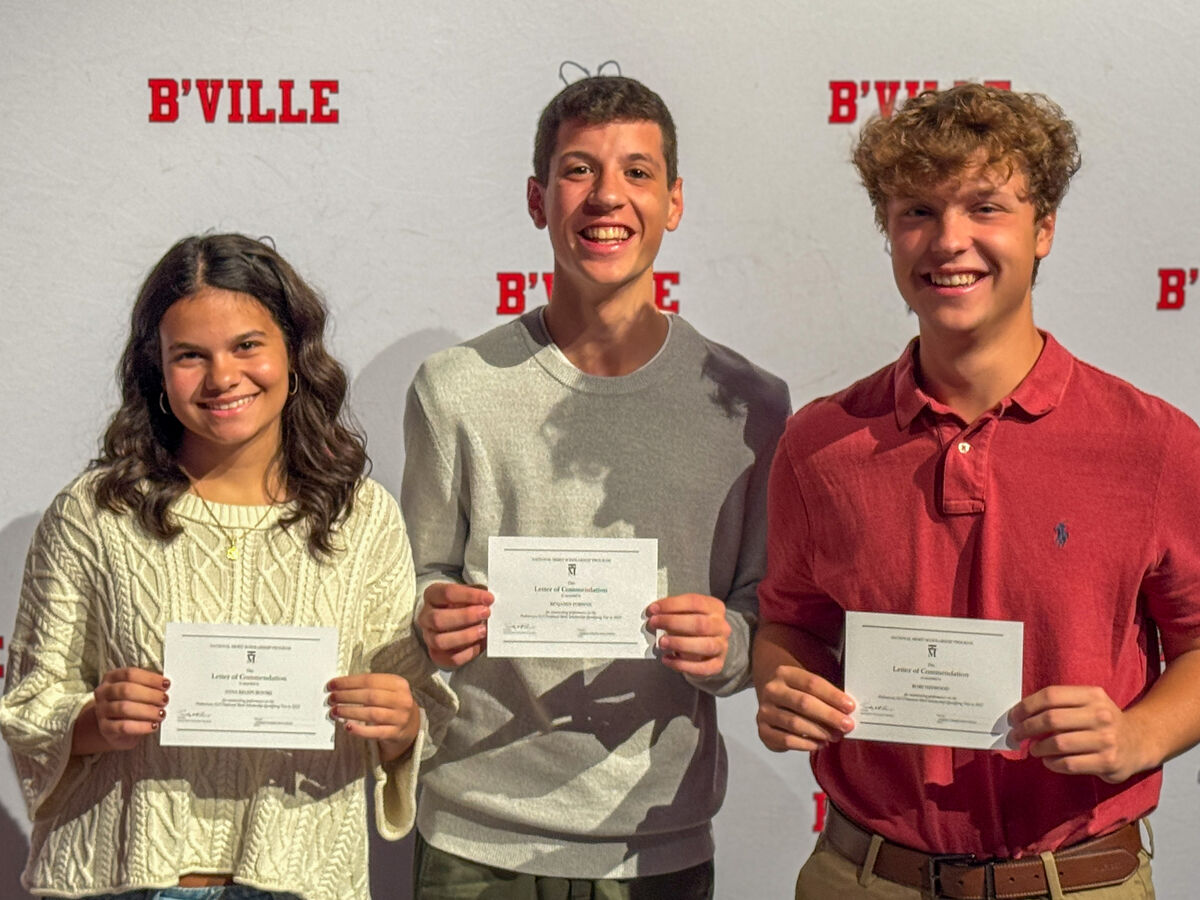
Congratulations to Rory Heywood, Anna Kelepurovski and Benjamin Forman, standout members of the C.W. Baker High School Class of 2027, who have been named Commended Students in the 2027 National Mer...